home Partners Purchase Testimonials Contact Us   Participate in our special Facebook promotions Visit YouTube and leave comments on our videos Communicate with other TracerPlus experts on LinkedIn Share stories with us on Twitter Join our mailing list to get the lastest news on products and events  

(631) 727-8084

TracerPlus.com - Mobile software development tools for data collection -- barcode and RFID enabled

   Home ı Windows Mobile Apps - Free to Try - TracerPlus Solution Center


Mobile Data Collection Software

TracerPlus Solution Center


The TracerPlus Solution Center is an online library of mobile applications that are Free to Try and Easily Customized with our TracerPlus Desktop software. Simply import into TracerPlus Desktop and deploy to your Windows Mobile or CE device.

Free Ready to Use Mobile Application Categories:

For step by step instructions on how to get started, Click Here.


Looking for someone to build the perfect app for you? Click Here.

(Enable Pop-ups.)


Windows Mobile Applications - Inventory, Fixed Asset, Inspection and More


Easy and In a Box Special App Builds

Contact your Authorized Reseller for information on how to buy.

TracerPlus ES400 Easy Apps - Inventory and Delivery In a Box Solutions- Mobile inspection forms for Police and Firefighters plus mobile work orders for service technicians in the field TracerPlus Mobile Application for Asset Tracking


Getting Started with the Solution Center Free App Library


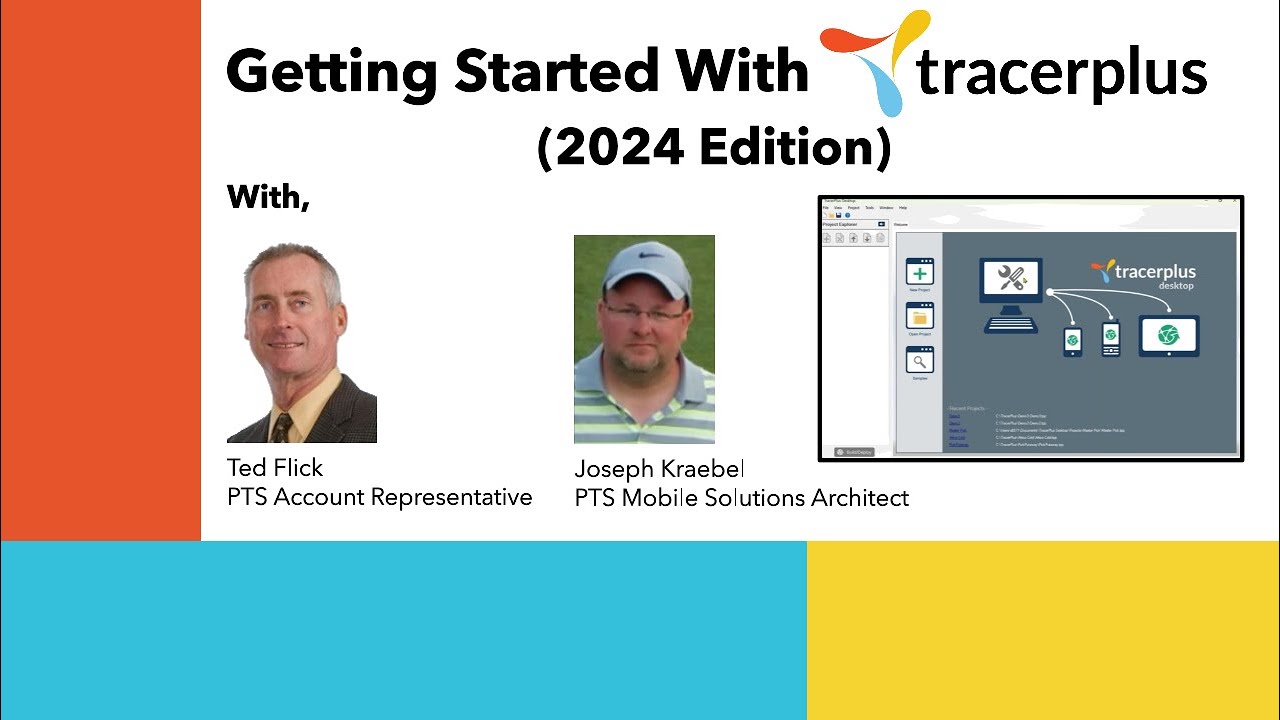
You will need TracerPlus Desktop installed on your PC in order to open the project files and TracerPlus installed on a Windows Mobile or CE mobile device to deploy your fully configured forms.

  1. Download TracerPlus Desktop (Free), then install on your PC.

  2. Connect your Windows Mobile Device to your PC. (No device? click here)

  3. Download and install the trial version of the TracerPlus mobile component.
      You can also do this from within TracerPlus Desktop by selecting "Install TracerPlus to PDA"
      from the Tools menu
    .

  4. Browse our Solution Center for a mobile application, download, open, then deploy to your device using TracerPlus Desktop.
      You can also browse the same collection within TracerPlus Desktop by selecting "Search
      Online Samples" from the Welcome screen
    .

  5. Deploy any of these free mobile applications to your device, experiment with customizing them or demo to customers.

Deploying a Custom application to your mobile device using TracerPlus Desktop


Download TracerPlus Desktop


We encourage you to send any questions or requests to feedback@tracerplus.com. Report bugs to support@tracerplus.com

Sales: 877-640-4152 ext. 2
       631-727-8084 ext. 2

Visit our Facebook page.   Follow PTS on Twitter   Visit our linkedin page   Visit our YouTube page   Join our mailing list

TracerPlus News •  Knowledgebase •  Partner Login •  About Us •  Create Ticket •  Leave Feedback  •  Privacy Policy

© 2000-2012 Portable Technology Solutions, LLC. All rights reserved.
No images or content from this website may be used without prior written permission.